Identify your top revenue-driving

traffic  channels campaigns products subscriptions
Stop guessing. See what actually makes you money — and scale it.
Works with Woocommerce
Setup in 5 minutes
Free 14-day trial
UTM Tracking
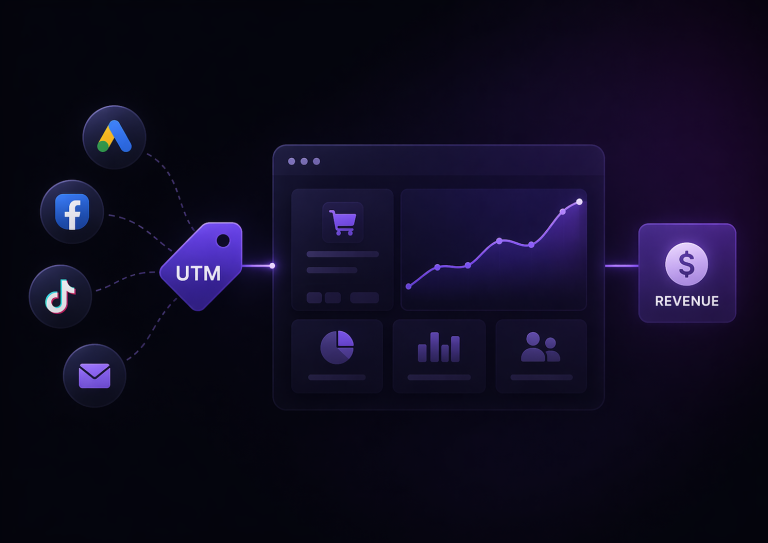
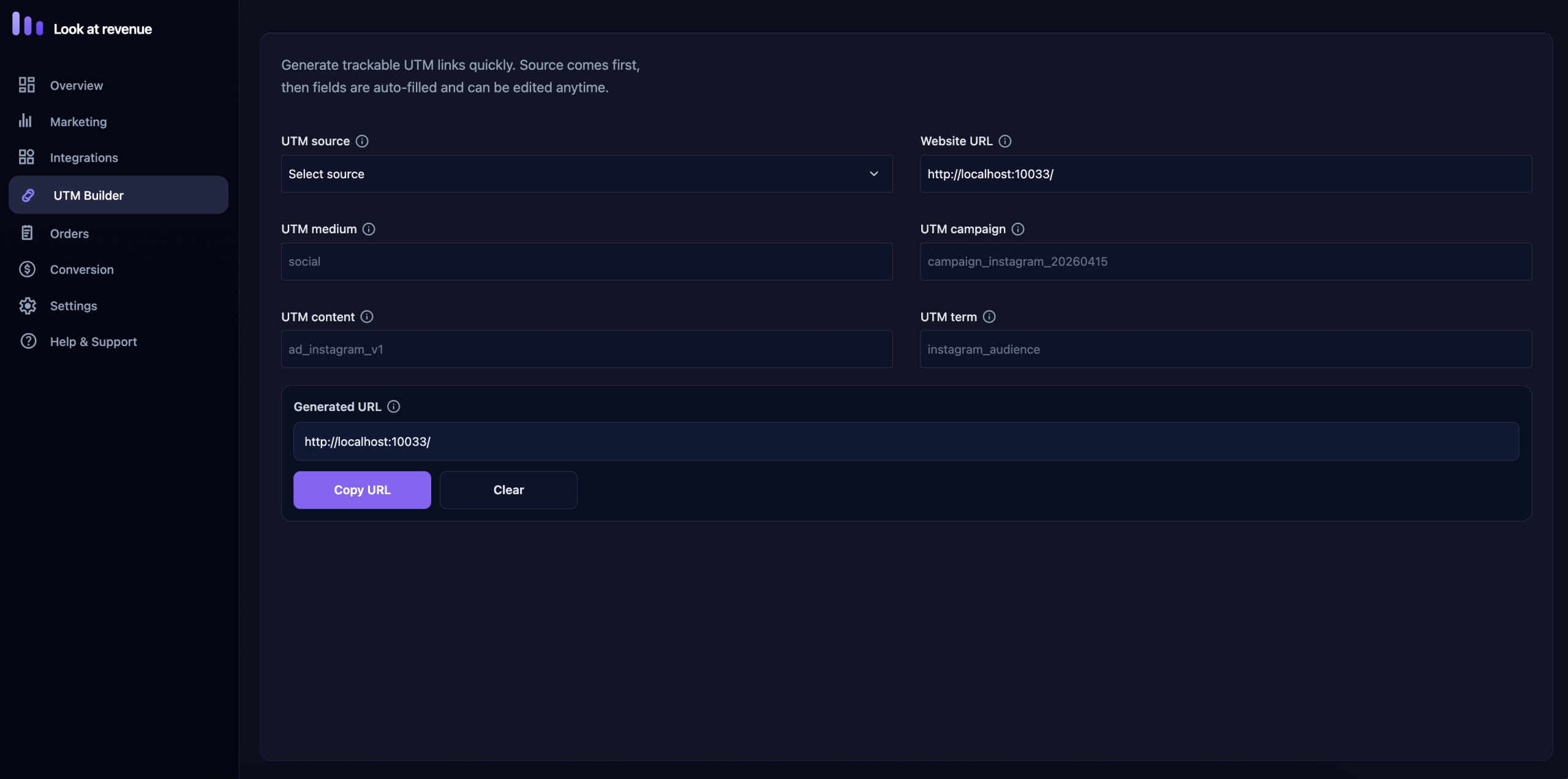
Automatically capture UTM data for every order. UTM Builder - generate and manage UTM links in one place.
Analytics & Metrics
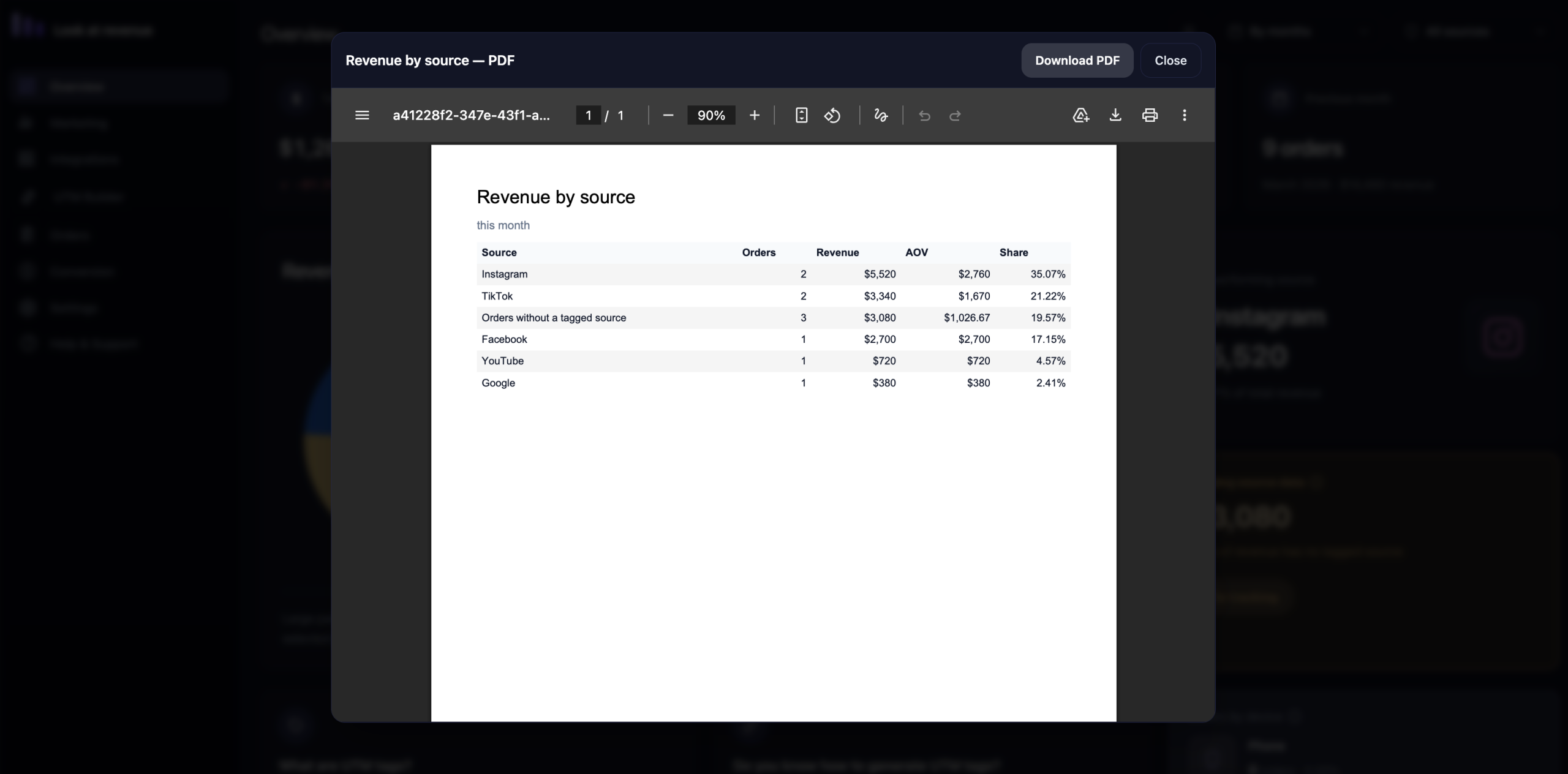
Understand which channels, campaigns, and sources bring you money.
Revenue & Error Analysis
Identify broken tracking, missing data, and underperforming campaigns.
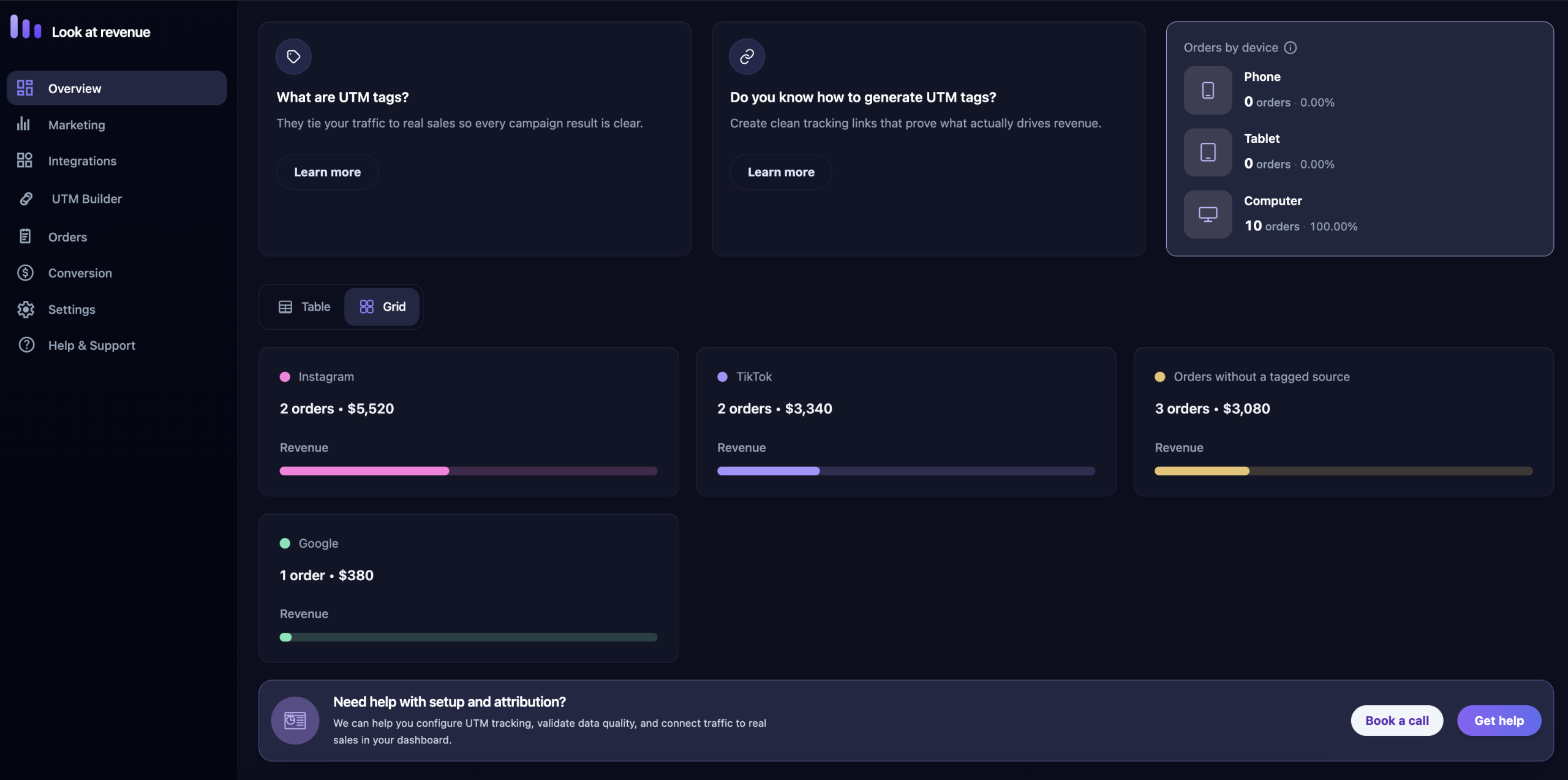
Device Statistics
Understand performance on desktop, mobile, and tablet.

Know what people buy and what keep paying

UTM tags to actual sales

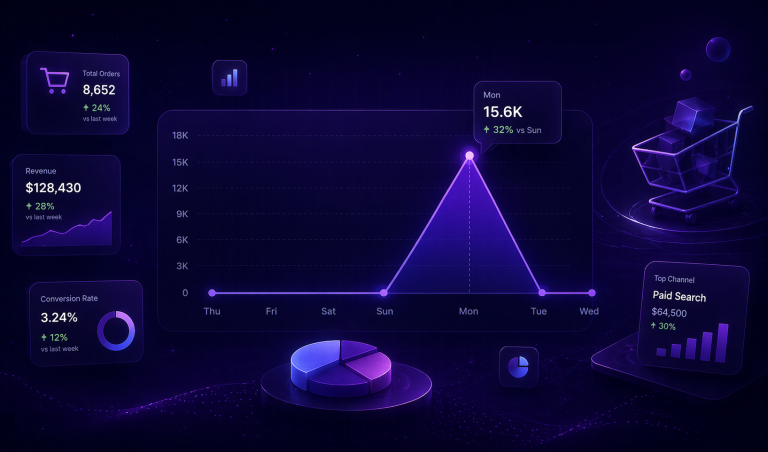
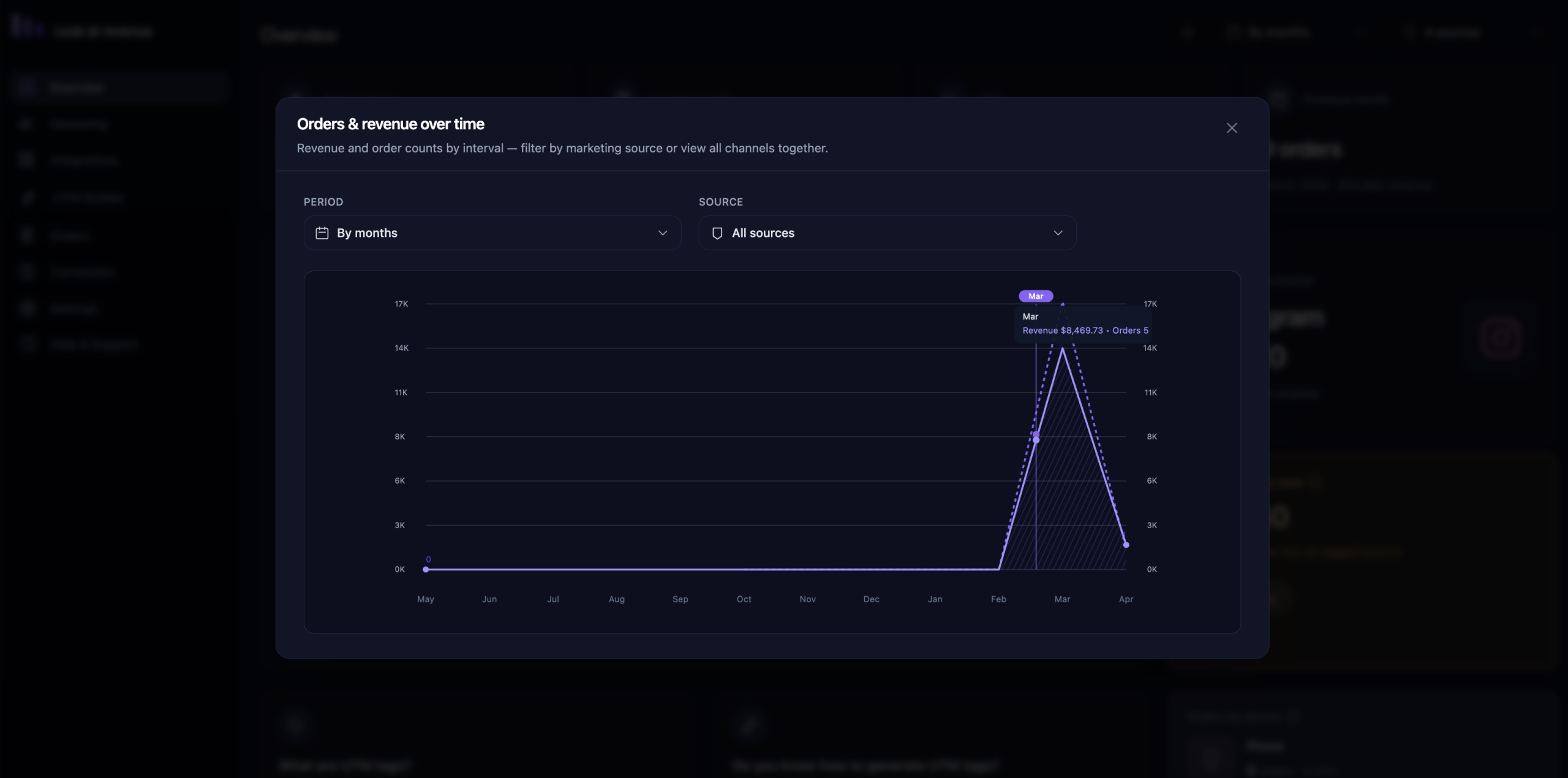
See Exactly When Money Flows In

Choose Your Plan

Start free. Upgrade when you’re ready.

Starter
Get started with a 14-day free trial
Free
Express
Built for your one store
$59
/ year
Plus
Most popular
Built for your three stores
$99
/ year
Ultimate
One payment, endless insights
$299

Powerful Dashboards Designed
for Real Revenue Insights

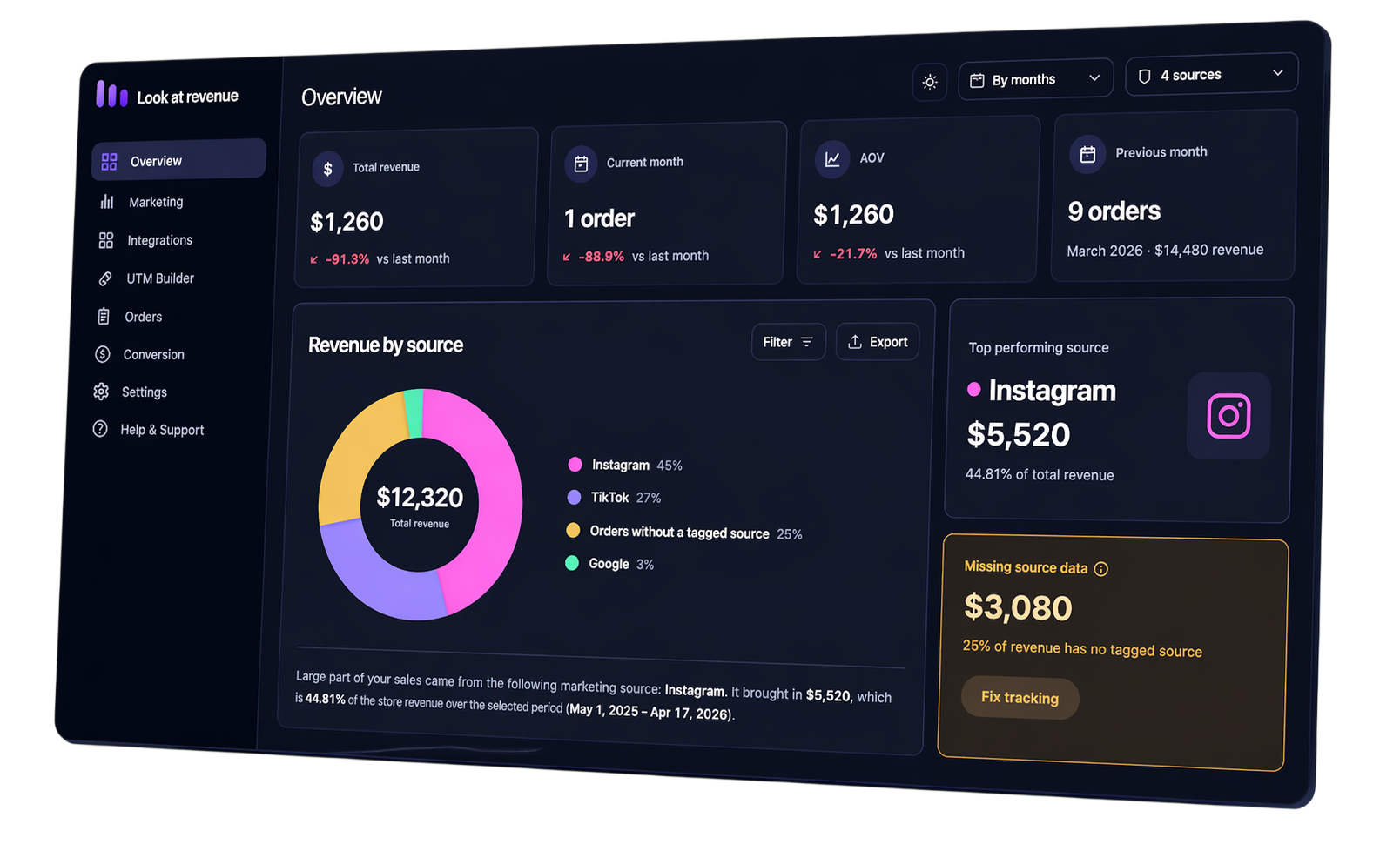
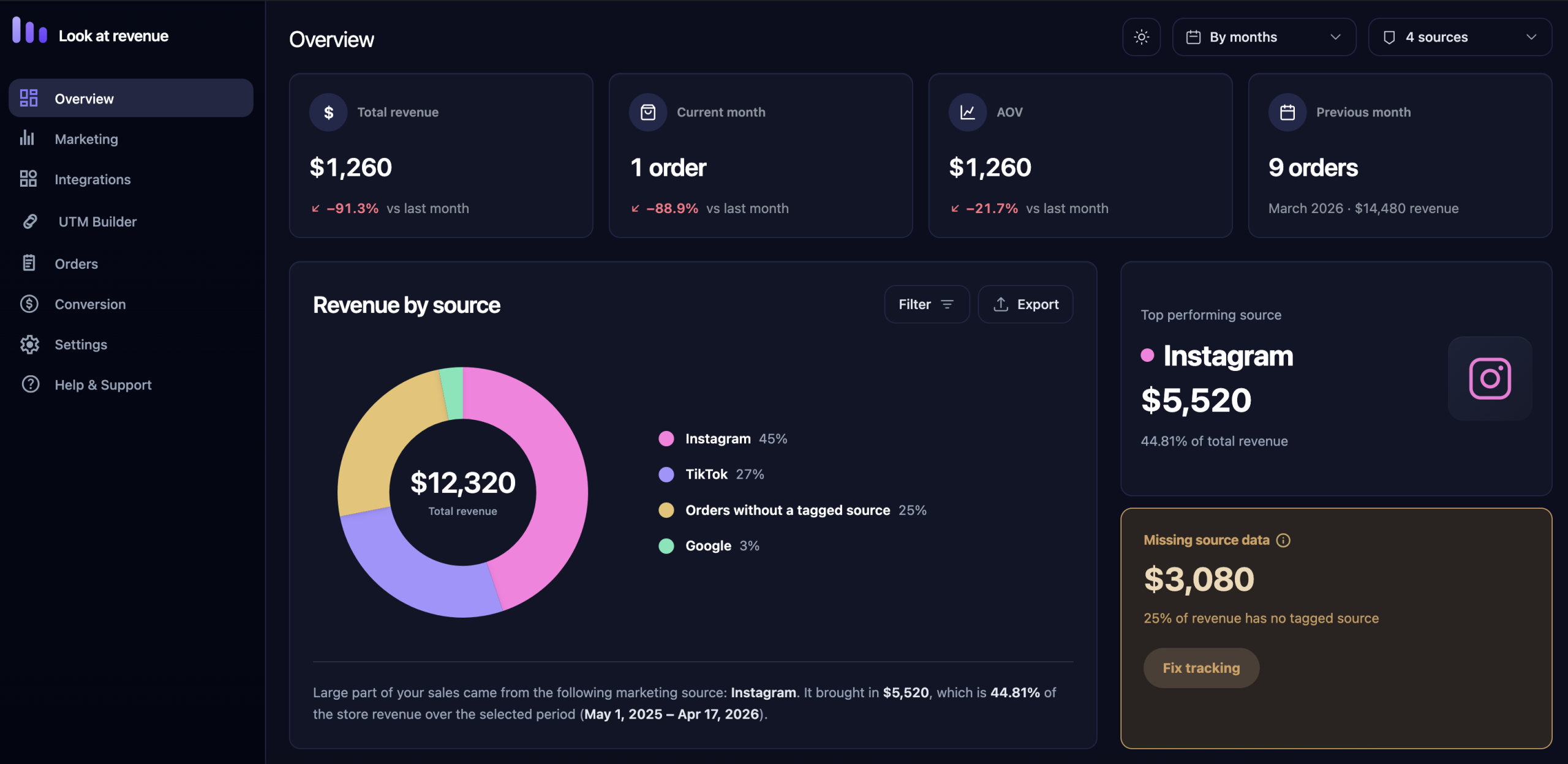
Track revenue, UTM tags and performance — all in one dashboard

Live demo

See your store's revenue
the way it should look

Real data. Real channels. No guessing.

Got ideas? We're listening

Vote on features and shape every release.

What are UTM tags?

See how they connect traffic to real sales

Our customers 💜 us

Because their success is our success!

Lucas Bennett
Store Owner

No doubt this is a best plugin, but to unlock the main feature you have to pay to the author. Still it’s worth. Thank to the team.

Matthew Harris
Store Owner

Attribution across channels was always messy for us. With this tool, we finally understand how TikTok, Google, and email work together. It’s not just last-click anymore — and that’s huge.

Ethan Carter
Agency Owner

We had a problem with their plugin and they fixed for us in minutes. Good job boys, keep doing your best magic tricks in coding.

Ryan Mitchell
Growth Marketer

Overall, I highly recommend plugin. Thank you to the developers for creating such a wonderful tool!

Mark Wilkinson
Store Owner

Super easy to set up. Within minutes I could see where my customers were coming from and which traffic actually converts.

Sophie Turner
Paid Ads Specialist

“Beautiful UI and incredibly fast.”The interface is super intuitive — I didn’t need any time to figure things out. What really surprised me is how fast everything works!


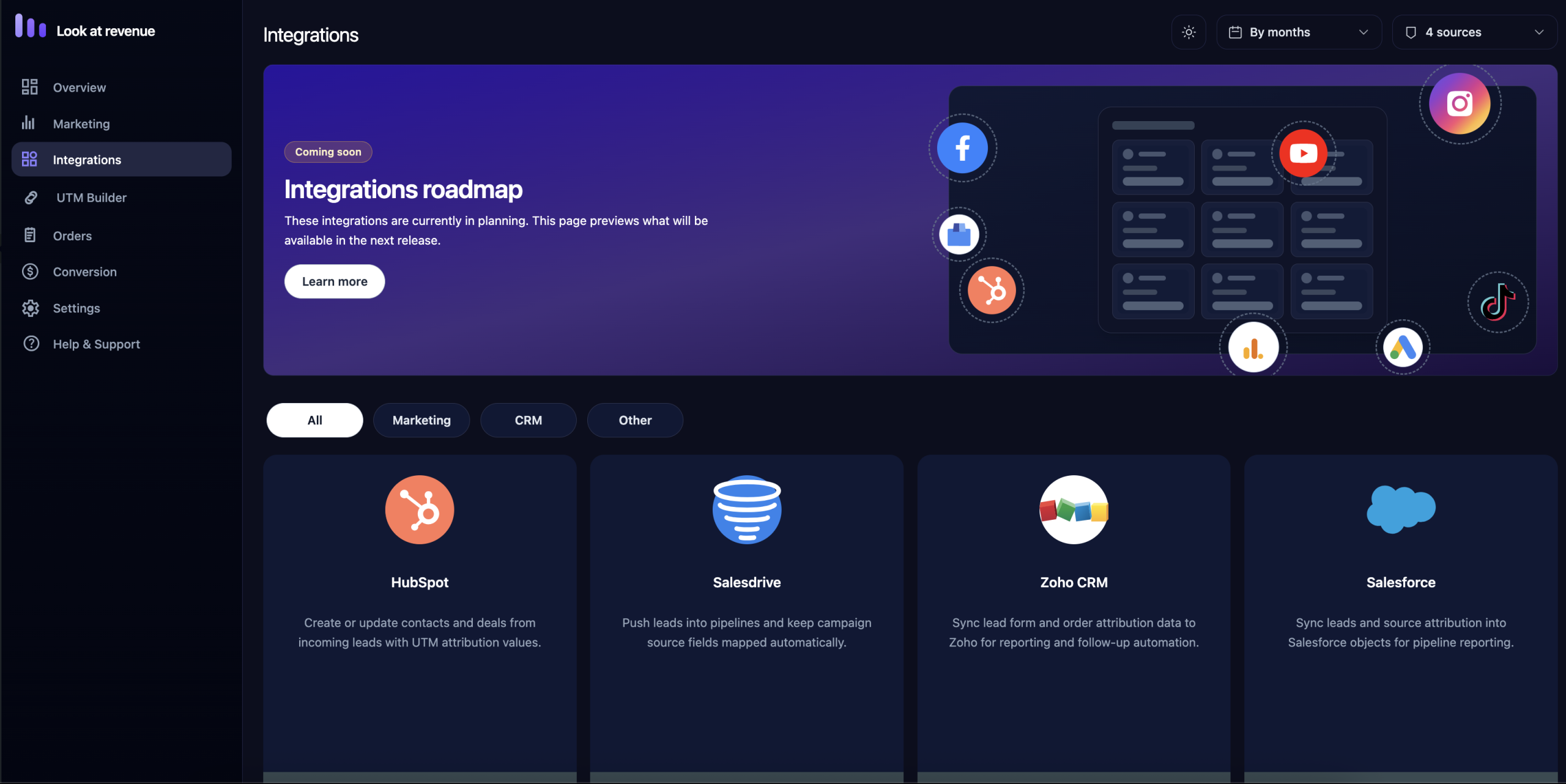
Powerful Integrations

These integrations are coming soon. Here’s a preview of what’s included in the next release.

HubSpot

Create or update contacts and deals from incoming leads with UTM attribution values.

Salesforce

Sync leads and source attribution into Salesforce objects for pipeline reporting.

Zoho CRM

Sync lead form and order attribution data to Zoho for reporting and follow-up automation.

Google Ads

Combine campaign performance, source quality, and revenue impact without manual exports.

Tiktok

Track revenue and conversions from TikTok ads and organic videos — see which content actually drives sales, not just views.

Tellegram

Send every new lead into Telegram chats with source, campaign, revenue data, and order details.

Frequently asked questions

Find quick answers to common questions about plugin!

LookAtRevenue is a WooCommerce analytics tool that tracks UTM tags, traffic sources, and connects them directly to real revenue.

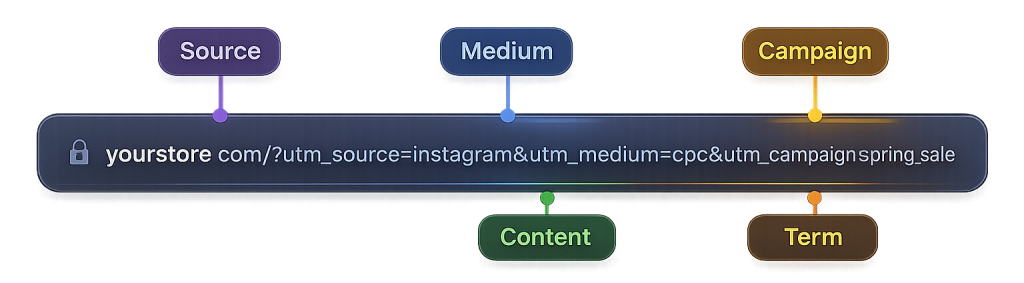
We capture UTM parameters like utm_source, utm_medium, utm_campaign, utm_term and utm_content, and match them with user sessions, leads and orders.

Yes — from first click (UTM) to final purchase, all in one place.

No — setup is simple, and all data is visualized in a clean, easy-to-understand dashboard.

Yes — you can clearly see which campaigns, channels and traffic sources drive actual sales and profit.

Of course! We’ve tested it with many popular themes.
If you face any issues, our support team is here to help.

Yes, LookAtRevenue is built specifically for WooCommerce and integrates directly with your store data.

Do you have an idea for
a new feature?


    We respect your privacy. Your information will not be shared with third parties.

    What are UTM tags?

    UTM tags are short parameters added to your URLs. They help you track where your traffic comes from and which campaigns drive the most revenue.

    UTM Parameters

    The five main tags you can use to track performance.

    utm_source
    Where the traffic comes from.
    Example
    instagram, google, newsletter
    utm_medium
    The marketing medium used.
    Example
    cpc, email, social, banner
    utm_campaign
    The name of your campaign.
    Example
    spring_sale, blackfriday, launch
    utm_content
    Differentiates content within the same ad.
    Example
    ad1, banner_top, cta_button
    utm_term
    Tracks paid keywords (mainly for search ads).
    Example
    running+shoes, brand+keyword
    Example URL
    Here’s how a full URL with UTM tags looks.
    https://yourstore.com/?
    utm_source=instagram&
    utm_medium=cpc&
    utm_campaign=spring_sale&
    utm_content=ad1&
    utm_term=running+shoes
      
    Why It Matters
    UTM tags turn clicks into clear insights.
    Track campaign performance
    Attribute revenue accurately
    Make data-driven decisions
    Best Practices
    Small details, better data.
    Use consistent naming Keep your tags organized.
    Always use utm_campaign It’s key to understanding performance.
    Don’t share tagged links publicly Keep your data clean.

    We value your feedback

    Help us improve Look at Revenue
    by sharing your thoughts.


      We respect your privacy. Your information will not be shared with third parties.

      Customer Portal

      Your hub for billing, subscriptions, license keys, downloads, and invoice management.